
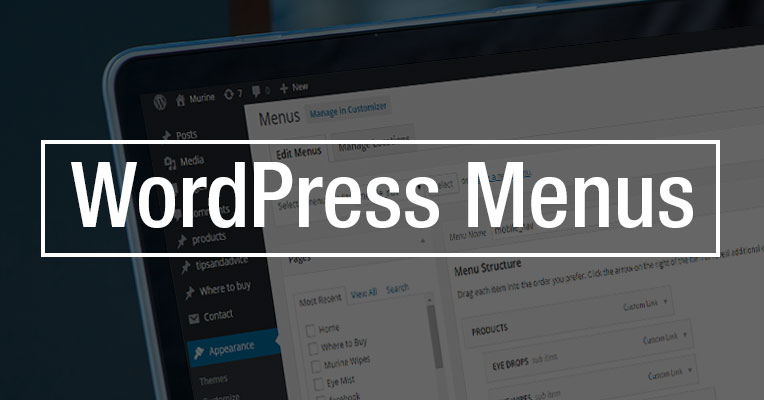

Using WordPress you can easily create a custom navigation menu. You can use these menus in place of your theme’s default menus.
Custom menus in WordPress can contain links to pages, or to other websites, or to your optins and sales pages.
You can create as many menus as you like, so you can choose which custom menu to associate with each location.
How to Create a Menu in WordPress
1. Log in to your WordPress site and choose Appearance menu on the left side of the WordPress Dashboard.
2. Click on the Menus link in the Appearance menu. You’ll now see the Menus editor page.
3. Enter your menu name, and click Create menu.
4. All that’s needed now is to add menu items from the boxes on the left, such as pages, categories and links.
5. If you’d like to change which menu options you see from this page, select the Screen Options tab. Now you can add other menu items options such as posts, tags or formats.
6. Go ahead and arrange your menu items in order. Then select Save Menu. You now have a new navigation menu that can be added to any menu location on your WordPress site.

